Freelancer Tools 2026:
Top 10 You Absolutely Need
Stop drowning in admin. These are the exact tools helping independent professionals work smarter, earn more, and keep their sanity intact.

The right freelancer tools in 2026 turn a chaotic workday into a focused, profitable one.
The best freelancer tools 2026 has brought to market are not just upgrades — they are genuine game changers for anyone working independently. Whether you are a designer, writer, developer, or consultant, choosing the right freelancer tools in 2026 is the difference between a chaotic workday and a streamlined, profitable business.
After testing dozens of apps and speaking with freelancers across multiple industries, we have narrowed the list down to the 10 tools that consistently deliver the biggest results. These are not just popular picks — they are the tools that actually solve the problems freelancers face every single day.
Whether you are just starting out or scaling a six-figure solo business, this guide covers every category that matters: project management, time tracking, invoicing, design, communication, AI productivity, accounting, writing, and automation.
Why Freelancer Tools 2026 Matter More Than Ever
Freelancing in 2026 looks very different from what it was just a few years ago. AI has reshaped entire industries, remote work is the global default, and clients now expect speed and professionalism that simply was not possible without the right systems in place.
The good news is that the freelancer tools available in 2026 are more powerful, more affordable, and more beginner-friendly than ever before. The goal is not to run 15 apps at once. It is to find a lean, integrated stack that handles the unglamorous tasks — scheduling, invoicing, contracts, communication — quietly in the background while you focus on the work that actually earns your income.
The Top 10 Freelancer Tools 2026 Professionals Rely On
Notion — Your All-in-One Freelance HQ
Project Management · CRM · Notes · Knowledge BaseIf there is one tool that has genuinely become the backbone of a modern freelance workflow, it is Notion. Think of it as a blank canvas that shapes itself around how you actually work. It can be a project tracker, a client CRM, an editorial calendar, a personal wiki, or all of the above at once.
What separates Notion from a simple note-taking app is the relational database system underneath. You can link a client record to its active projects, connect those projects to deadlines, and surface everything through custom views — calendar, board, table, or gallery. In 2026, Notion’s built-in AI assistant can summarize long notes, generate first drafts, and auto-fill templates, cutting the busywork dramatically.
Freelancers particularly love the free community templates for “Freelance Client Dashboard” and “Content Calendar.” You can be fully up and running in an afternoon without building anything from scratch.
Set up a Client Hub in Notion with one page per client containing their brief, deliverables, meeting notes, and payment status. It becomes your single source of truth and genuinely impresses clients when you reference their history with precision.
Toggl Track — Time Tracking Built for Freelancers
Time Tracking · Reporting · Billing InsightsTime is a freelancer’s only truly finite resource — and most people wildly underestimate how long things actually take. Toggl Track is one of the most essential freelancer tools for 2026 precisely because it fixes this with a completely frictionless interface. Hit start, name the task, tag the client, and stop when you are done.
The real power shows up in weekly and monthly reports. You will quickly discover which clients consume the most time relative to what they pay, where your deep work hours actually go, and when you consistently lose focus. That data is gold for raising rates, setting better client boundaries, and optimizing your daily schedule with precision.
Toggl’s integration ecosystem is excellent — it connects directly with Asana, Trello, Linear, Jira, and Notion, meaning you can start timers directly from your task list without switching apps at all.
Run a one-month tracking audit before renegotiating any client retainer. The Toggl reports will show you exactly whether you are over-servicing — and give you hard data to justify a rate increase confidently.
Bonsai — Contracts, Proposals and Invoicing Combined
Contracts · Invoicing · Proposals · Client PortalNothing kills momentum — or cash flow — like manually chasing contracts and unpaid invoices. Bonsai was built specifically for freelancers and ranks among the most complete freelancer tools 2026 offers for end-to-end business management. From your very first touchpoint with a prospect, you can send a polished proposal, convert it into a legally binding contract with one click, and issue an invoice the moment work is approved.
Every step lives inside one dashboard. No more juggling Dropbox for contracts, Wave for invoices, and Google Docs for proposals. The client-facing portal alone is worth the subscription price — clients see everything in one professional, branded view and can sign, approve, and pay without navigating three different platforms at once.
Bonsai handles recurring retainer invoices automatically, sends overdue payment reminders, and tracks payment status across all your active clients simultaneously without any manual follow-up required from you.
Always include a kill fee clause in your Bonsai contract template — typically 25 to 50 percent of remaining project value if a client cancels mid-project. Set it once and it protects every future engagement automatically.
“The freelancers who scale aren’t necessarily the most talented — they’re the ones with the most airtight systems.”
— FreelancingGig, January 2026
Canva — Design Like a Professional, No Degree Required
Graphic Design · Presentations · Brand Kits · Social MediaNot every freelancer is a designer — but in 2026, every freelancer occasionally needs to look like one. Canva is one of the most accessible freelancer tools 2026 offers for visual content creation. Whether you are building a pitch deck, designing a client deliverable, creating a media kit, or putting together an onboarding PDF, Canva bridges the gap with thousands of professional templates and an intuitive drag-and-drop editor.
The Brand Kit feature is especially valuable. Upload your logo, set your brand colors, and define your fonts once. Every design you create stays automatically on-brand, giving clients a consistent, polished impression across every deliverable you produce.
Canva’s AI tools — Magic Design, Magic Write, and background removal — have become genuinely useful in 2026. You can turn a rough concept into a polished visual in minutes, which is a meaningful advantage when clients expect fast turnarounds on everything.
Build a reusable Client Welcome Kit template in Canva — cover page, project brief, timeline, and contact info. It takes two hours to build once and five minutes to customize for every new client. Instant professionalism that clients consistently notice and mention.
Loom — Replace Unnecessary Meetings With Async Video
Async Video · Screen Recording · Client CommunicationA 30-minute client sync costs you 30 minutes of meeting time, 15 minutes of prep, 15 minutes of lost focus afterward, and another 15 minutes writing a follow-up summary email. That is over 75 minutes for something a 4-minute Loom video handles better and more clearly. Loom is one of those freelancer tools 2026 professionals use specifically to stand apart from average competitors.
Record your screen with or without your face in the corner, narrate as you go, and share a link instantly. Clients watch on their own schedule, can pause, rewind, and leave timestamped comments exactly where they have specific feedback. Experienced freelancers use Loom for project walkthroughs, feedback responses, onboarding explanations, and even full proposal presentations.
Send a short Loom walkthrough with every project delivery instead of just attaching files. It dramatically reduces revision requests because clients can see your reasoning, not just your final output sitting silently in their inbox.
Calendly — Stop the Scheduling Back-and-Forth Permanently
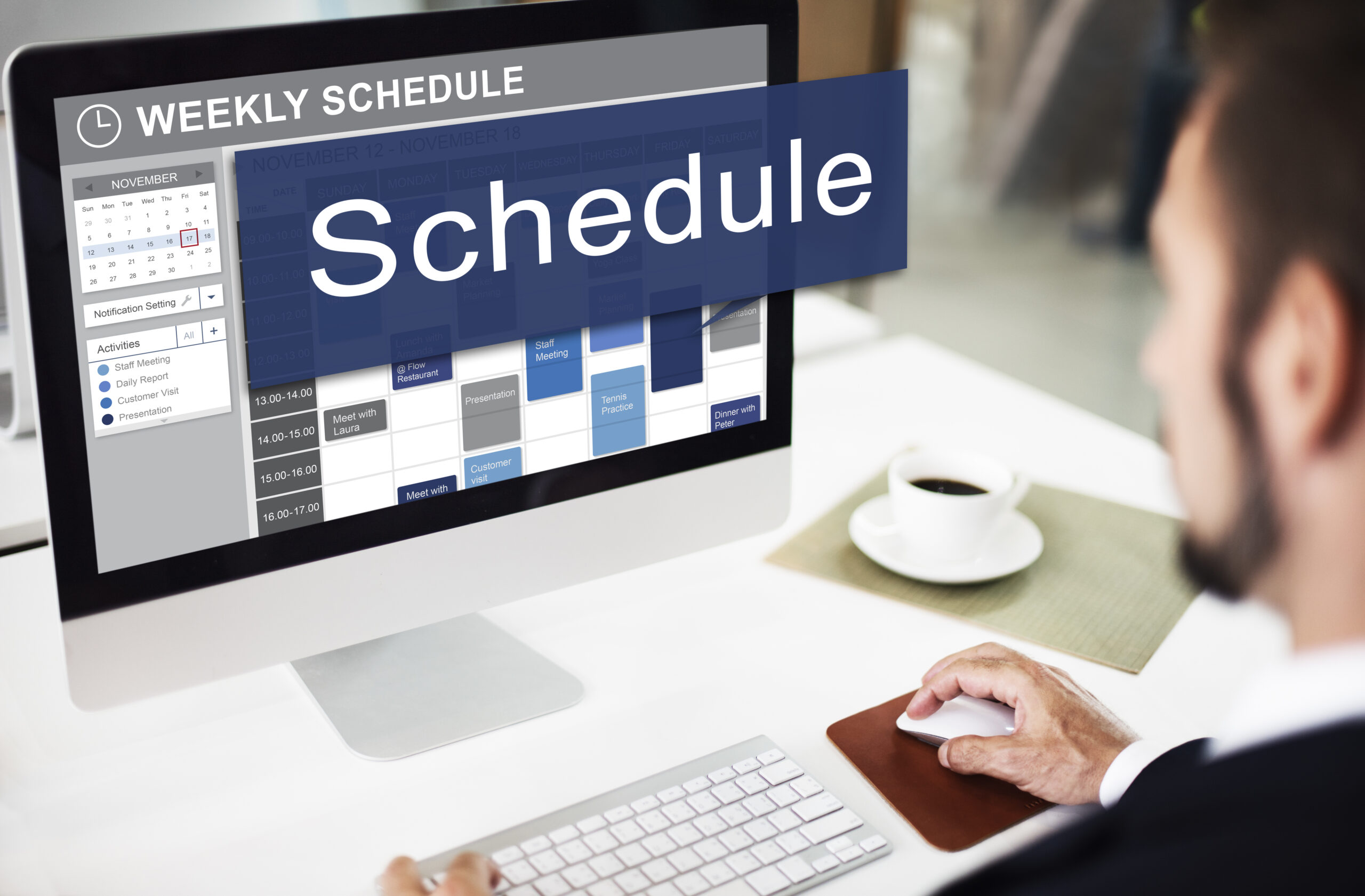
Scheduling · Calendar Management · Booking Automation“Does Thursday work for you?” “I can do Friday.” “Sorry, Friday I am out.” This familiar ping-pong of scheduling emails is one of the most invisible and persistent time drains in freelance life — and Calendly eliminates it entirely. It is one of the simplest freelancer tools in 2026 that pays back its time investment within the very first week of use.
Set your available hours and buffer times, share your booking link, and clients schedule directly into your calendar. Your Google or Outlook calendar syncs in real time so there is zero risk of double-booking. Automatic confirmation and reminder emails go out to both parties without you doing a single thing afterward.
You can set up completely different booking pages for different types of calls — each with its own duration, price point, and intake questions — making Calendly work equally well for free discovery calls or paid consultations.
Add a short intake form to your discovery call booking page. Ask about project type, timeline, and rough budget. You will arrive at every call fully prepared, and it quietly filters out leads who are not serious about working with you.
AI Writing Assistants — The Freelancer Tools 2026 Cannot Ignore
ChatGPT · Claude · Gemini · Content Drafting · ResearchBy 2026, AI assistants have moved from novelty to necessity. They are now among the most impactful freelancer tools 2026 has introduced into everyday professional workflows. The freelancers falling behind are either ignoring these tools entirely or relying on them so heavily that their own voice disappears from their work. The sweet spot is using AI for heavy lifting and then applying your genuine expertise to finish and personalize everything.
ChatGPT excels at brainstorming and structured content generation. Claude is particularly strong for nuanced writing, long-form reasoning, and tasks that require careful judgment and tone sensitivity. Gemini integrates naturally with Google Workspace if that is already your primary ecosystem.
Practical freelance uses include drafting proposals, summarizing lengthy client briefs, writing first-draft emails, generating content outlines, proofreading, researching unfamiliar industries before stepping into a new project, and translating content for international clients.
Build a custom prompt template for your most repetitive tasks — onboarding emails, project scope documents, weekly client updates. Paste it at the start of a session and get a strong first draft in under 60 seconds, ready for your personal expertise and authentic voice.
Wave — Free Accounting Software Built for Freelancers
Invoicing · Expense Tracking · Tax Prep · Financial ReportingManaging money is where most freelancers feel completely out of their depth. Wave is one of the most underrated freelancer tools 2026 offers precisely because it is completely free and genuinely powerful. Connect your bank account and Wave automatically imports and categorizes every transaction. Issue unlimited professional invoices with automatic payment reminders built in.
At tax time, you will have organized, categorized financial records ready to hand over to your accountant instead of a chaotic folder of old receipts and a rising sense of panic. For freelancers billing higher monthly revenue who need payroll or advanced reporting, QuickBooks Self-Employed is worth the upgrade. But for most solo operators running lean, Wave is genuinely unbeatable at zero monthly cost.
Set a Financial Friday ritual — just 20 focused minutes every week to categorize that week’s transactions in Wave. Tax season transforms from terrifying to completely manageable when your books are actually current and organized throughout the year.
Grammarly — Every Freelancer’s Silent Background Proofreader
Grammar · Clarity · Tone Detection · Plagiarism CheckerNo matter your specialty, you communicate in words every single day. Proposals, emails, deliverable notes, LinkedIn posts, client reports — a single embarrassing typo in a proposal can undo weeks of careful relationship-building. Grammarly runs silently in the background and catches the errors you have become blind to after your fifth read-through of your own writing.
Beyond spelling and grammar, the Premium version flags when your tone sounds unintentionally cold, when sentences are too complex for your audience, when you overuse a word, and when phrasing could be sharper. Think of it as a professional editor who works silently in the background without ever needing a coffee break or a day off.
Enable Grammarly’s tone detector when writing important client emails. A message that reads as confident and clear is far more likely to land positively than one that reads as uncertain or hesitant — and you would be genuinely surprised how often those negative signals slip into your writing completely unnoticed.
Zapier — Automate Your Entire Freelancer Workflow in 2026
Workflow Automation · App Integrations · No-CodeZapier is the glue that holds a complete set of freelancer tools 2026 together into one smooth, automated system. It is a no-code automation platform that connects all your apps and moves data between them automatically — no developer required at any level. Once you experience your first automation running while you sleep, you will immediately start seeing opportunities everywhere you look.
When a new lead fills out your contact form, Zapier can automatically add them to your Notion CRM, send a personalized welcome email, and ping you in Slack — all simultaneously. When a Bonsai invoice is paid, Zapier logs the income in a Google Sheet and triggers a thank-you email automatically. These individually small automations compound into hours saved every single month.
In 2026, Zapier has leaned heavily into AI-powered automation — you can describe what you want to happen in plain language and it will build the entire workflow for you automatically.
Start with one automation: when you receive a new client inquiry email, save it automatically to a Google Sheet with the date and sender name. It takes 10 minutes to set up once and gives you a complete, permanent, searchable lead history you will actually use.
How to Build Your Freelancer Tools Stack in 2026
Don’t Install Everything at Once — Build Strategically
Losing track of tasks? Start with Notion. Chasing invoices? Start with Bonsai or Wave. Fix one real problem before adding anything new.
Every tool on this list has a free version or trial. Validate it fits your actual workflow before committing to any subscription fee.
An app that connects with your existing stack is worth twice as much as an isolated one. Always check Zapier compatibility first.
Freelancers work from everywhere. Any tool without a solid mobile experience will create friction exactly when you need it least.
Frequently Asked Questions
What are the most important freelancer tools in 2026?
The most impactful freelancer tools 2026 professionals rely on include Notion for organization, Toggl Track for time tracking, Bonsai for contracts and invoicing, and Zapier for automation. Together these four tools solve the most common problems freelancers face every day.
Do I need to pay for freelancer tools in 2026?
No. Notion, Toggl Track, Wave, Loom, Calendly, and Grammarly all have genuinely useful free tiers. A lean, thoughtful stack of free tools will outperform an expensive, cluttered one every time. Upgrade only when you are hitting real limits that cost you time or money.
Are AI tools necessary for freelancers in 2026?
AI assistants have become standard freelancer tools in 2026. They will not replace your expertise — but they will amplify your ability to deliver work faster, communicate more clearly, and handle repetitive tasks in seconds rather than long minutes.
How many tools does a freelancer actually need?
The most effective freelancers use 4 to 6 well-integrated tools rather than 15 loosely connected ones. Context-switching between too many apps carries a real cognitive cost. Every tool you add should actively replace something else, not just sit alongside it taking up mental space and budget.
What is the best free invoicing tool for freelancers?
Wave is the best completely free invoicing and accounting option among all freelancer tools 2026 has available. It handles unlimited professional invoicing, automatic expense tracking, and basic financial reporting at absolutely zero monthly cost.
Final Thoughts: Start Simple, Scale Smart
The right freelancer tools in 2026 are not about running the most software or paying for the most subscriptions — they are about building a lean, well-integrated system that lets you focus on what no tool can ever replace: your craft, your client relationships, and your professional judgment.
Start with Notion, Wave, and Grammarly. Add Toggl Track and Calendly as your client load grows. Use Loom to communicate more clearly than any competitor. Automate everything repetitive with Zapier. That stack alone will put you meaningfully ahead of the majority of freelancers still working reactively without real systems.
The most successful independent professionals in 2026 are not the most naturally talented people in their field. They are the most organized, the most automated, and the most intentional about exactly where their limited time goes each day. Your toolkit is where that intentionality begins.
2 Comments