Free Invoice Generator: Create Pro Invoices in 60 Seconds
A free invoice generator helps freelancers and small businesses create professional PDF invoices in under a minute. Here’s how to pick the right tool, avoid common mistakes and get paid faster.
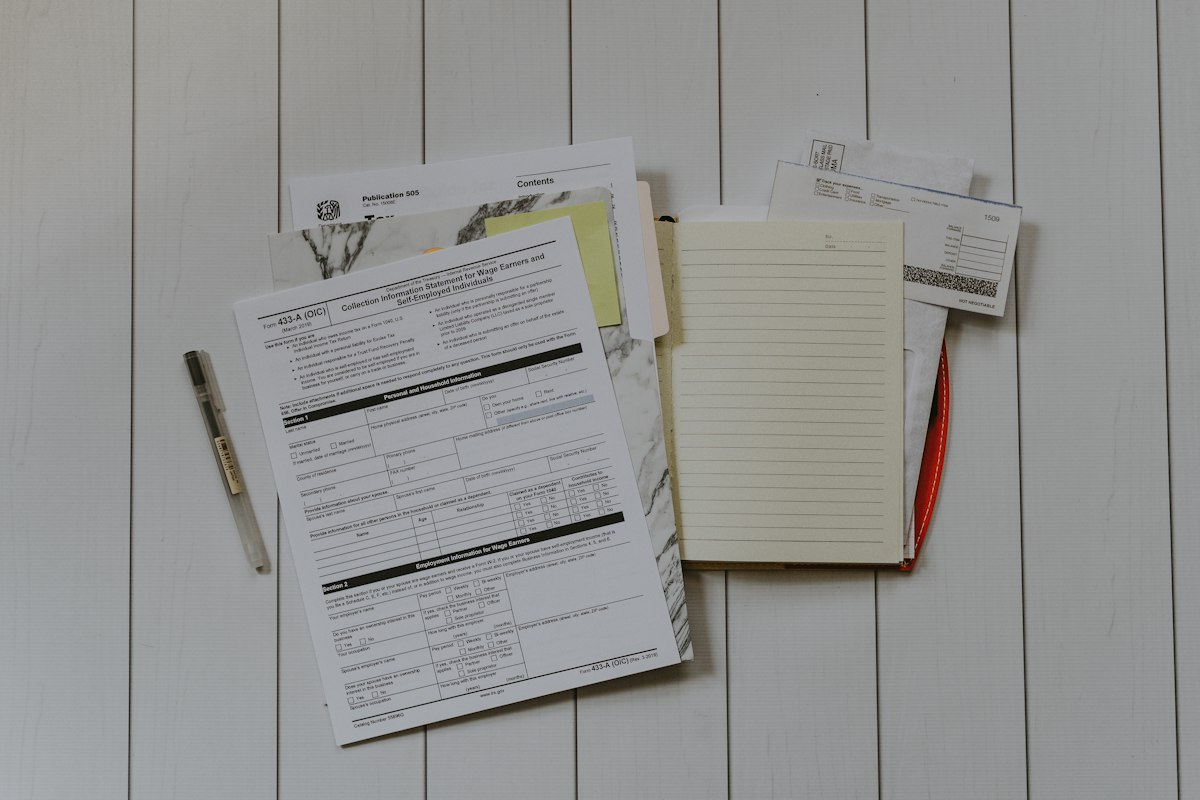
Freelancers and small business owners lose hours each month fighting with clunky billing software. A good free invoice generator changes that. You can create a professional invoice in under a minute, send it to your client, and get back to paid work. This guide shows you how.
What Is a Free Invoice Generator?
A free invoice generator is an online tool that helps you create invoices for clients. You fill in your business details, your client’s details, and the services you provided. The tool then produces a polished PDF you can download or email instantly.
Most free invoice generators work right in your browser. Therefore, you don’t need to install software. You don’t need to pay a monthly fee either. Many tools also skip the signup step, so you can start billing clients within seconds.
In fact, the best free invoice generator tools now match the features of paid software. They support multiple currencies, handle taxes correctly, and include professional templates. As a result, freelancers save hours every month and still look polished.
Why Every Freelancer Needs an Invoice Tool
Getting paid on time is hard. A weak invoice makes it harder. Moreover, clients often delay payment when the invoice looks unprofessional or lacks key details.
A proper invoice shows you run a real business. It builds trust with your client. In addition, it protects you legally. Without a written invoice, chasing late payments gets messy fast — and courts rarely side with freelancers who can’t show clear billing records.
Here’s what a proper invoice proves:
- You delivered the agreed work
- The client accepted a specific amount
- The payment due date was clearly communicated
- Tax details were handled correctly
- You both agreed on payment methods
Furthermore, a good free invoice generator handles all of this automatically. You don’t need to worry about formatting, tax math, or legal phrasing. The tool takes care of it.
Features to Look For in 2026
Not all free invoice tools are equal. Some are basic. Others offer surprising value. Before you pick one, check for these six features.
1. Multi-Currency Support
Many freelancers work with international clients. As a result, the best free invoice generator supports 30 or more currencies. Look for proper symbols and locale-aware formatting. For example, European clients expect amounts with commas as decimal separators, while US clients expect periods.
2. Multi-Language Invoices
If you work across borders, language matters. Arabic clients prefer right-to-left text. German clients expect formal phrasing. A tool with built-in translations saves you hours of manual editing. Additionally, it prevents embarrassing translation errors.
3. Three or More Templates
Your invoice should match your brand. For instance, a creative agency looks wrong sending a corporate template. Therefore, pick a tool with at least three styles: Minimal for professional services, Bold for modern agencies, and Classic for traditional businesses.
4. Tax Calculations
VAT, GST, HST, sales tax — every country handles this differently. The tool should let you set any rate with a custom label. It should calculate amounts automatically. Otherwise, you’ll spend time fixing math errors.
5. PDF Export
The final output must be a clean PDF file. First, check that logos appear correctly. Second, verify that numbers align properly. Finally, test a sample export before sending invoices to real clients.
6. Privacy and Data Safety
Your client information matters. The best free tools keep all data in your browser. Nothing travels to their servers. Nothing gets stored. This approach protects both you and your clients from data breaches.
Quick tip: test before committing
Before you settle on one tool, create a test invoice with realistic data. Export the PDF and open it on a different device. If the layout breaks or the logo looks blurry, keep shopping.
How to Create Your First Invoice (Step by Step)
Making an invoice with the SaasLancer free invoice generator takes about a minute. Here’s the full process.
Step 1: Add Your Business Details
First, type your business name, address, email and phone number. Next, upload your logo if you have one. Finally, add your tax ID too — many clients need this for their own bookkeeping.
Step 2: Enter Client Information
Add your client’s name and address. Include their email if you plan to send the invoice digitally. Also enter their VAT or tax number if they’re a registered business. This matters for cross-border billing.
Step 3: Add Line Items
List each service or product separately. Write a clear description. Then add the quantity and rate. The tool calculates amounts for you automatically.
Pro tip: Use short, specific descriptions. “Website design — 6 pages” works far better than “Design work.” Specificity reduces disputes and helps your client approve payment faster.
Step 4: Set Payment Terms
Pick a due date. Common options include Due on Receipt, Net 7, Net 14, and Net 30. For new clients, Net 14 strikes a good balance between flexibility and cash flow. Meanwhile, established clients can get Net 30 as a courtesy.
Step 5: Add Payment Details
Include your bank information, PayPal email, Wise account, or any other payment method. Make it easy for clients to pay you. In fact, most late payments happen simply because payment details weren’t clear.
Step 6: Download Your PDF
Click Export PDF. Save the file. Email it to your client. The whole process takes less than 60 seconds once you know the steps.
Ready to create your first invoice?
No signup, no credit card, no limits. Try the SaasLancer free invoice generator right now.
Open the free tool →Common Invoice Mistakes to Avoid
Freelancers repeat the same billing mistakes year after year. Each one delays payment or risks legal trouble. Here are the top five.
Forgetting the Invoice Number
Every invoice needs a unique number. Use a clear format such as INV-2026-001. However, never send two invoices with the same number. It confuses bookkeeping for both you and your client.
Vague Line Items
“Services” tells a client nothing. Instead, list exactly what you did. This reduces disputes and also helps you track projects over time. Bookkeepers will thank you at tax season.
Missing Due Dates
An invoice without a due date creates uncertainty. Clients assume they can pay whenever they feel like it. Therefore, always set clear terms and stick to them.
No Payment Instructions
Clients get frustrated when they can’t figure out how to pay you. Include bank details, PayPal links, and any other methods upfront. In contrast, hiding payment info leads to slow payments.
Wrong Tax Calculations
Tax mistakes can trigger audits. Double-check every rate before sending. Fortunately, most free invoice generators handle this automatically. Nevertheless, verify before sending.
Tax Considerations by Country
Tax rules vary widely around the world. Below is a quick overview for common regions. However, always consult a local tax professional before filing.
European Union
Most EU businesses charge VAT at rates between 17% and 27%. Cross-border B2B sales use reverse-charge rules. Always include your VAT number. For details, see the European Commission’s VAT guide.
United Kingdom
UK VAT sits at 20% as the standard rate. Additionally, you must include your VAT number once you pass the £90,000 threshold. Refer to HMRC guidance for current rules.
United States
Sales tax depends on the state. Most services aren’t taxed federally. However, rules vary by industry. Check IRS guidance for freelancer tax obligations.
India
GST includes CGST, SGST, and IGST components. The rate depends on what you’re selling. Furthermore, you must include your GSTIN on every invoice to remain compliant.
Pakistan & UAE
Pakistan’s standard GST is 18%, with Federal Board of Revenue rules applying. Meanwhile, the UAE charges 5% VAT, and invoices must include your TRN number.
A good free invoice generator handles any rate and label. Therefore, compliance becomes easier regardless of where you work.
Free vs. Paid Invoice Tools
Free tools cover most freelancers’ needs. They create PDFs, support multiple currencies, and look professional. As a result, you don’t need to pay for basic invoicing.
| Feature | Free Invoice Generator | Paid Software ($10–$30/mo) |
|---|---|---|
| Create PDF invoices | Yes | Yes |
| Multi-currency & languages | Yes | Yes |
| Professional templates | Yes (3+) | Yes (10+) |
| Save invoice history | Browser only | Cloud-based |
| Recurring invoices | No | Yes |
| Payment gateway | Manual | Stripe/PayPal built-in |
| Team access | No | Yes |
| Cost | $0 forever | $10–$30/month |
If you send fewer than 20 invoices a month, stick with a free invoice generator. You’ll save up to $360 per year. Upgrade only when your workflow genuinely demands it.
Get Paid Faster With Better Invoices
Design matters more than you think. In fact, research shows clean, professional invoices get paid 2–3 days faster than cluttered ones. Small changes make a big difference to your cash flow.
Try these proven tactics:
- Send invoices the moment work is complete
- Follow up three days before the due date
- Use clear subject lines like “Invoice INV-2026-003 — Due April 30”
- Offer multiple payment methods
- Thank the client briefly in the notes section
A free invoice generator handles the design work. Consequently, you can focus on client relationships and follow-ups instead.
Frequently Asked Questions
Is the SaasLancer free invoice generator really free?
Yes, it is 100% free with no limits. There are no trials, no credit card requirements, and no hidden fees. You can create unlimited professional invoices without paying anything.
Do I need to create an account?
No account is required. You can start creating invoices the moment the page loads. Additionally, your data stays private in your browser — nothing is saved on our servers.
How many currencies does the tool support?
More than 30 currencies, including USD, EUR, GBP, PKR, INR, AED, SAR, CAD, AUD and many others. Each currency uses proper formatting and symbols automatically.
Can I add my own logo?
Yes. Simply upload any PNG, JPG, or SVG file and it appears on the invoice immediately. The logo also embeds in your downloaded PDF at high resolution.
Is my client data safe?
Absolutely. Everything stays in your browser. Nothing is sent to our servers, tracked, or stored anywhere. Once you close the tab, the data is gone.
What formats can I export?
You can export a clean A4 PDF. Most users save the PDF directly to their device, or email it straight to the client. The format is print-ready on any device.
Final Thoughts
A good free invoice generator turns billing from a chore into a quick task. It helps you look professional without paying for software. Moreover, it works in any country, in any currency, for any type of client.
Ready to try one? Start with the SaasLancer Free Invoice Generator. Create your first invoice in under a minute. Get paid faster. Spend more time on work that matters.
 Finance
How to set your hourly rate in 2026
The formula for pricing your services based on goals, expenses and market demand.
 Legal
Legal
Why every freelancer needs a contract
Working without a contract is like building on sand. Here’s exactly what to include.
 Tools
Tools
Top 10 tools every freelancer needs
Essential tools top earners rely on every day — from time tracking to invoicing.
Get weekly tips in your inbox
Join 6,000+ freelancers and small business owners getting tips on pricing, productivity and growing their income — every Tuesday.
📬 No spam · Unsubscribe with one click